How to Use Two-Way Radios for Emergency Communication
Two-way radios are only effective if everyone in the household knows how to use them properly. During an emergency, clear communication depends on simple operation, shared expectations, and consistent use.
Without basic coordination, even the best radios can lead to confusion instead of clarity.
Within a structured preparedness plan, two-way radios provide direct communication when phones and internet services are unavailable. This guide focuses on practical use—how to operate radios, establish communication habits, and maintain reliable contact during real-world disruptions
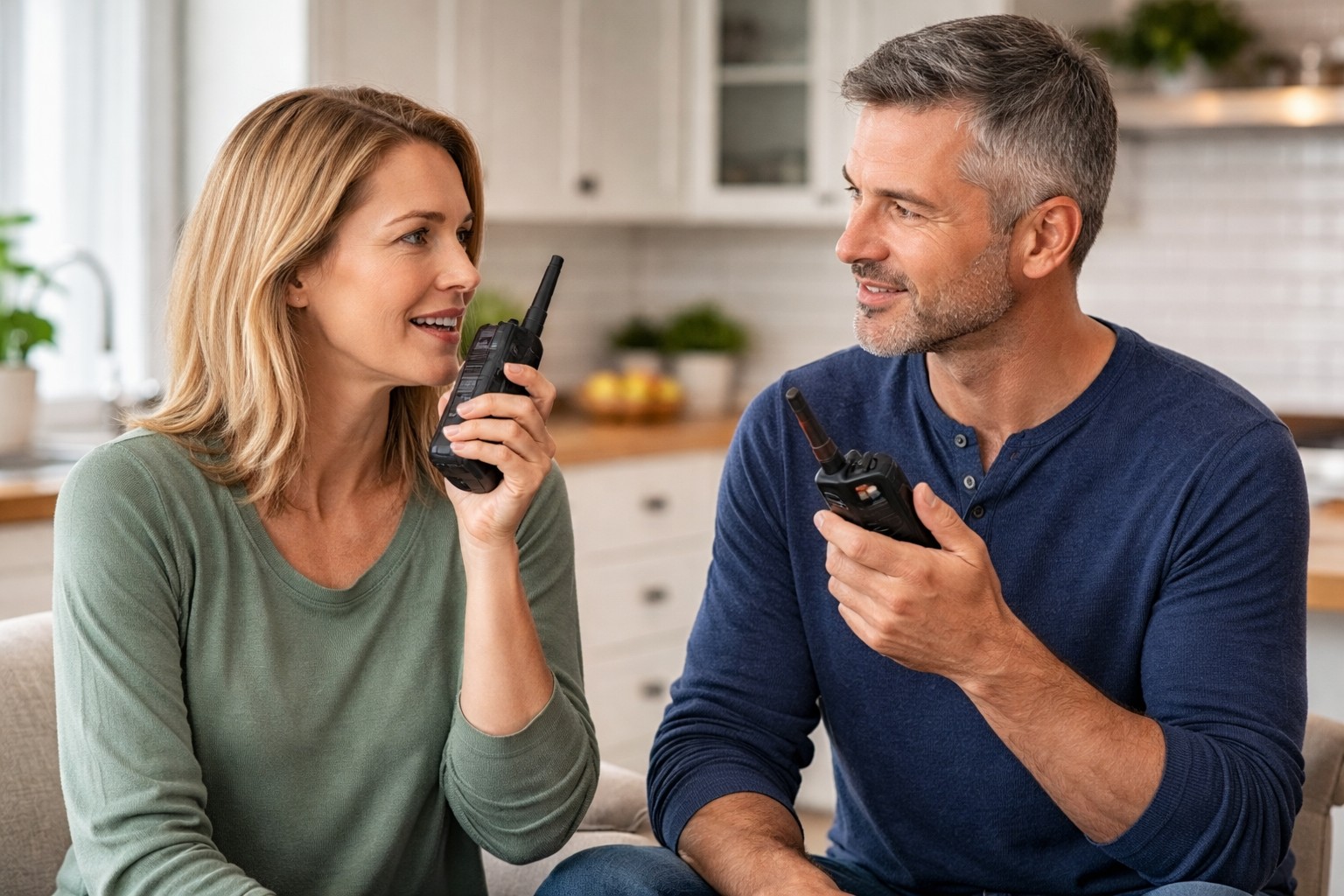
How to Use Two-Way Radios Effectively During Emergencies
Using two-way radios effectively requires more than simply turning them on. Clear communication depends on consistent habits, simple language, and an understanding of how radios function under real-world conditions.
During an emergency, stress and urgency can make communication difficult. Establishing basic usage practices ahead of time ensures that messages are understood quickly and reduces confusion when coordination matters most.
Use Push-to-Talk Correctly
Most two-way radios use a push-to-talk (PTT) button to transmit messages. To speak clearly, press the button firmly, pause briefly, and then begin talking. This short pause prevents the first words from being cut off.
Speak in a normal, steady voice and release the button completely when finished so the other person can respond. Avoid holding the button while listening, as this blocks incoming communication.
Use Clear and Simple Communication
Messages should be short, direct, and easy to understand. Avoid long explanations or unnecessary details. Focus on communicating one idea at a time so the other person can respond quickly.
Use simple, consistent language. For example, confirm messages with short responses like “received” or “copy” so both people know the message was understood. Repeating key information when needed helps reduce mistakes during stressful situations.
Understand Range and Positioning
Radio range depends heavily on the surrounding environment. Buildings, terrain, and obstacles can significantly reduce how far a signal travels. The distances advertised on packaging are typically based on ideal conditions and are rarely achieved in everyday use.
To improve communication, try to maintain line-of-sight when possible and avoid using radios deep inside buildings or behind large obstructions. Moving to higher ground or near windows can improve signal clarity and reliability.
Set Channels and Privacy Codes in Advance
Two-way radios must be set to the same channel to communicate. Some models also use privacy codes, which help filter out other users on the same frequency. All radios in your household should be configured with the same settings before an emergency occurs.
Testing these settings ahead of time ensures that everyone can connect quickly when needed. Without pre-set channels and codes, valuable time can be lost trying to establish communication during a disruption.
Practice Communication as a Household
Regular practice ensures that everyone in the household can use radios confidently when it matters most. Simple drills, such as checking in from different rooms or communicating across the property, help build familiarity and reduce hesitation during emergencies.
Establishing basic routines—such as scheduled check-ins or designated communication roles—can make a significant difference during a disruption. The goal is to make radio use feel natural, not something that has to be figured out under pressure.
How This Fits Into Your Emergency Communication System
Two-way radios are one part of a complete communication system. While emergency radios provide incoming alerts and updates, two-way radios allow direct communication between household members when normal networks are unavailable.
They work best when combined with a clear communication plan, backup power, and consistent usage practices. Together, these elements create a reliable system that supports coordination during outages, severe weather, and extended disruptions.